
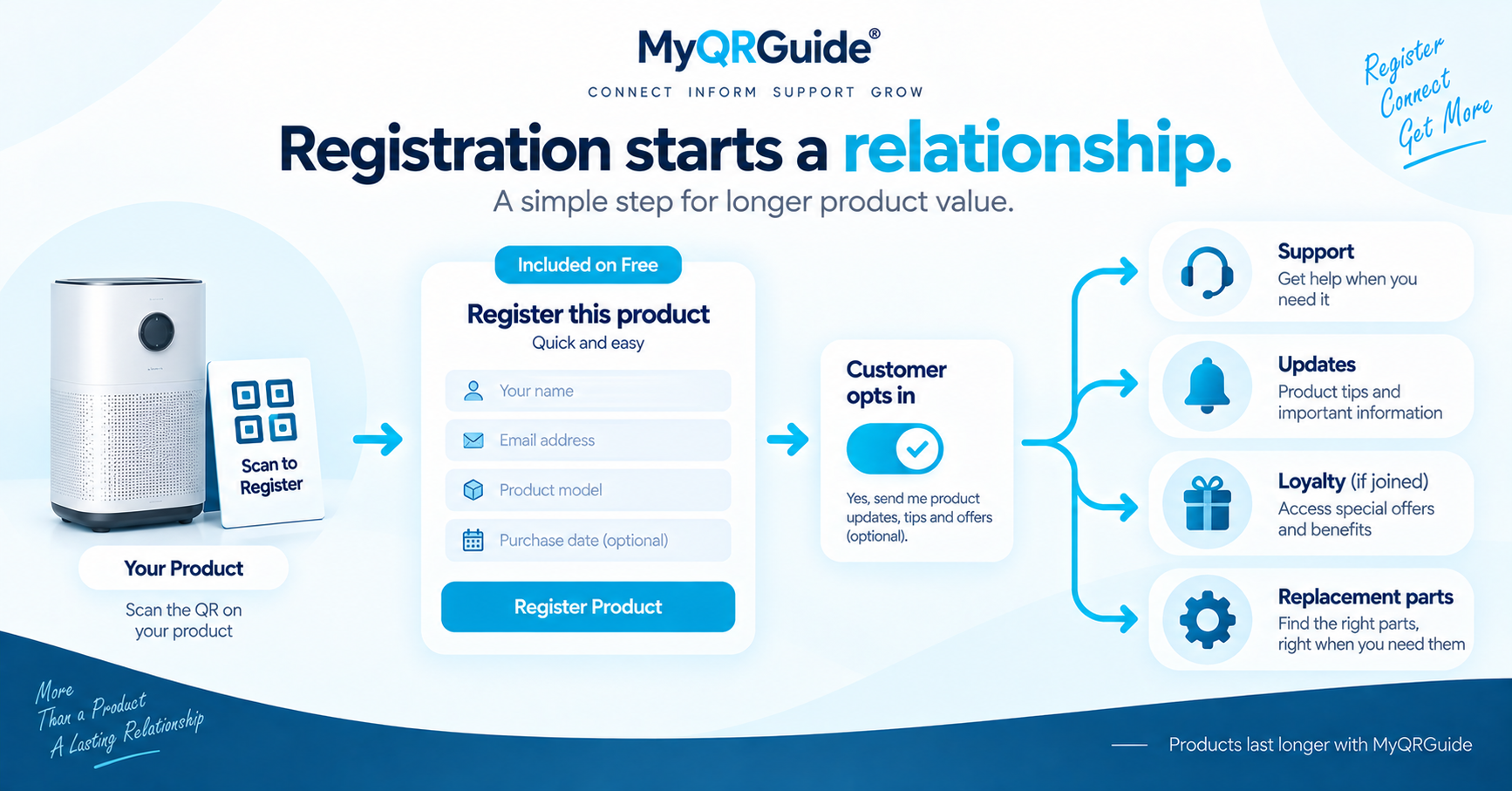
A warranty form should collect what you need to honour the warranty for the unit in the customer’s hands — not a copy of a marketplace checkout. Warranty registration is included on Free. Dashboard clicks stay in Warranty & Club Tools. Why the form exists is in warranty as a relationship.
Explore warranty registration: Product Warranty Registration and Management. Current plan details stay on Pricing.
Ask only what you will use
On the Mini Site you can add text, dropdown, multi-select, date, and file-upload fields, plus a warranty duration in months. You can also set a title, a short description, and whether the customer must be logged in. Those are building blocks. The labels you put on them are the editorial choice.
| Usually worth asking | Usually leave off |
|---|---|
| Product or model the customer can see, serial or batch if you actually record it, purchase date, a receipt photo if you require proof | Marketplace account IDs, buyer lists, extra marketing checkboxes before the product is supported, fields you never look at |
| A way to contact them for warranty service, with consent | A second “subscribe to everything” box that is easy to miss |
Submitted records stay private. They are not listed in public HTML, schema, or sitemaps.
Practical order
- Write the form title in the customer’s words (“Register your warranty”), not an internal code name.
- Add the few fields you will use when a claim or a support case arrives.
- If you require a customer login, say so on the page. Do not send them into a seller dashboard.
- Scan the Smart QR™ from a packed unit and complete the form on a phone that is not logged into your dashboard.
Illustration
This is a labelled example, not a conversion rate and not a legal template.
Overloaded. Twelve optional fields, a marketplace order number, and three marketing opt-ins before “submit.” The customer abandons. The brand still cannot tell which SKU they own.
Usable. Model, serial, purchase date, optional receipt photo, and a contact channel they consent to. Registration sits on the same Product Experience as the guide.
For marketplace-sold units, support and warranty must follow that marketplace’s policies. See marketplace post-purchase.