
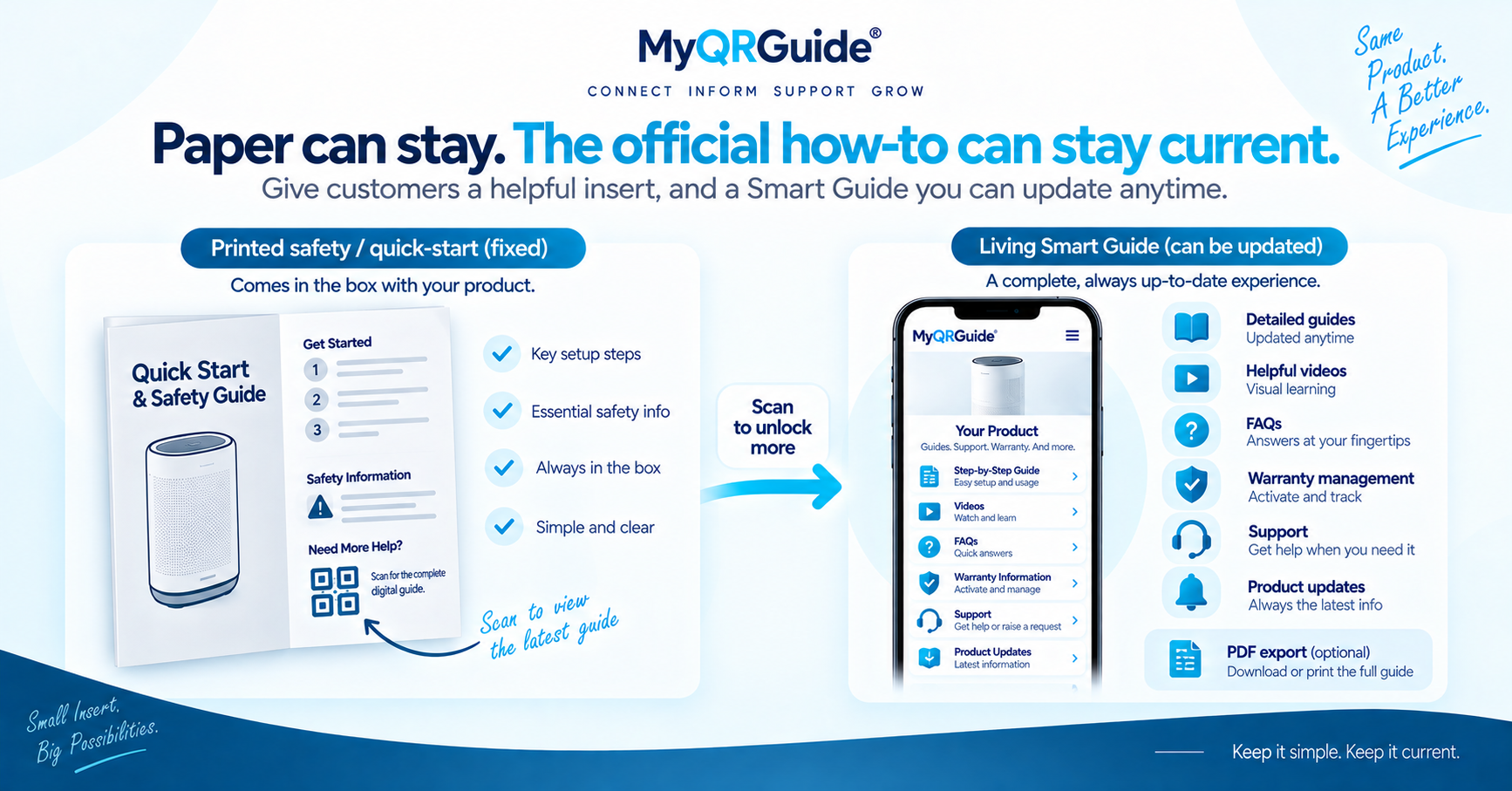
One Smart QR™ can open the same Product Experience in more than one language. Keep that URL stable. Translate the live Smart Guide for markets you actually serve. A machine draft is a starting point, not a finished safety document.
MyQRGuide supports multilingual product experiences. FAQ on the same point: translations can be accelerated with AI tools, but legal, technical, and safety wording should be reviewed by a qualified person before you publish. Explore Smart Guides: Digital Product Manuals and Smart Guides.
What to keep the same
- The Smart QR destination — do not print a new code per language unless you truly have separate products.
- The official facts: model name, first-use steps, warnings, warranty rules you really offer.
- A route to a person when the customer still needs one.
What must be reviewed per language
- Safety, voltage, torque, chemical, and age-restriction wording
- Part names and error descriptions a technician would act on
- Warranty and return sentences that might be treated as the official policy in that market
A translated page is not automatically valid in every country. Have a qualified person review it. Digital does not replace a paper insert where a rule still requires one. See digital vs printed manuals.
Practical order
- Finish the source-language Smart Guide first. Outcome checklist: create a digital product manual with a QR.
- Add the languages you will support on that Mini Site. Dashboard clicks: Add a Product Guide.
- Scan the printed code and switch language on a phone that is not logged into your dashboard. Confirm the first step still matches the product in hand.
- When a correction ships, update every language you published — see update instructions after shipping. Do not leave an old warning live in one language.
Illustration
This is a worked example, not a language-count claim.
Broken. The QR opens English only. A second code on the box opens a PDF in another language that was never updated. Support still asks “which manual did you read?”
Usable. One Mini Site. The customer picks a language you reviewed. The first-use steps and the safety line match. If a fact changes, you correct it on that same URL.