
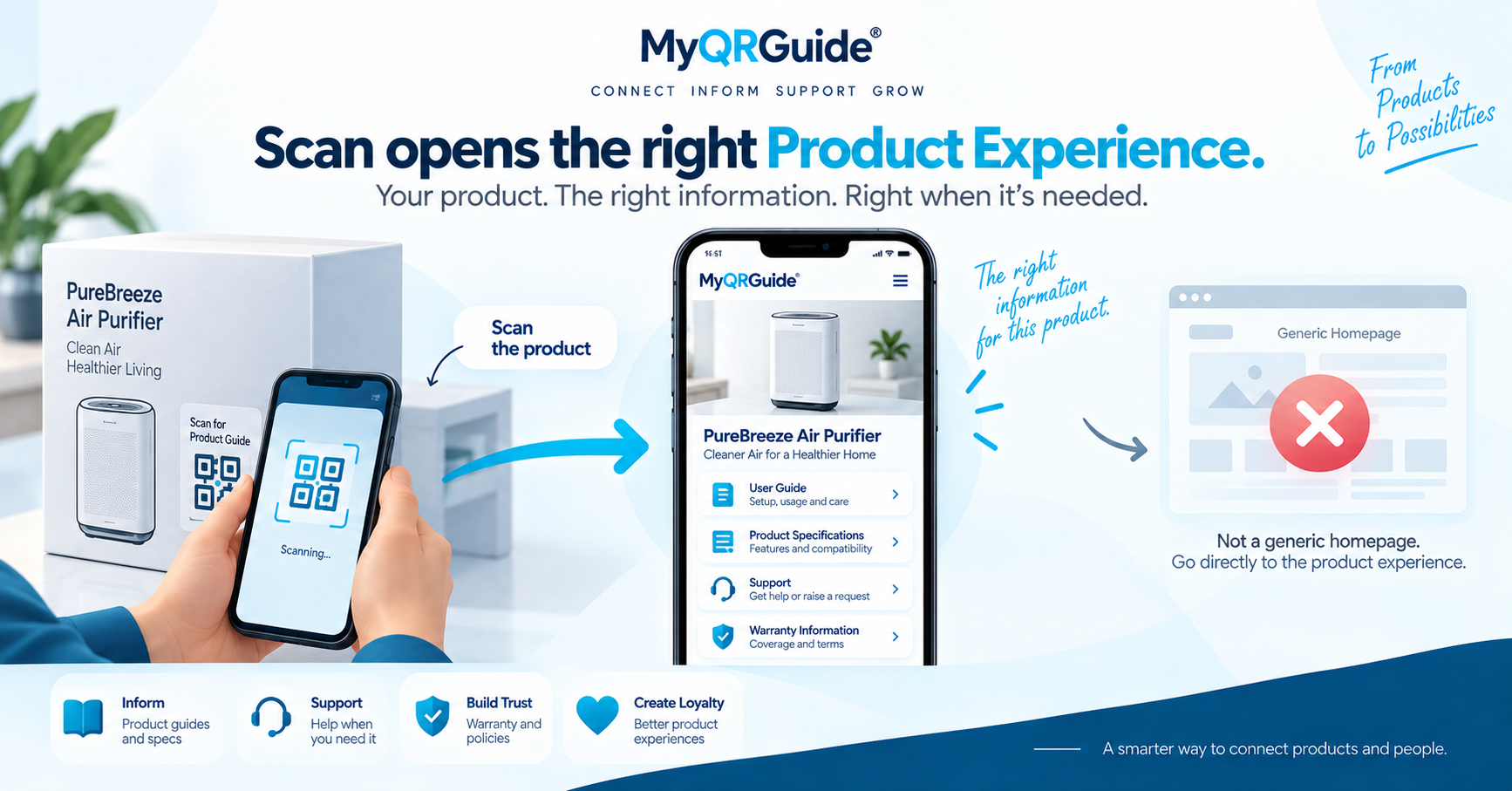
A Smart QR™ only helps if the printed code can be found and scanned. Placement and a phone test belong in the pack-out, not as an afterthought on a laptop screen. Explore Smart QR: Smart QR for Products and Service Locations.
This is packaging and scan practice. What should load after a successful scan is in Smart QR product support. How to publish the guide first is in create a digital product manual with a QR.
Where to put the code
- High contrast: dark modules on a light, unpatterned background.
- Leave a quiet zone (blank margin) around the code. Do not crop it into a logo or a photo.
- Keep it off corners, folds, seams, and shrink-wrap wrinkles. Curved or crushed print often fails.
- Print it large enough for the distance you expect: a carton on a shelf needs a larger code than an inner card in the hand.
- Outer pack: use this when the customer needs the guide before or while opening the box.
- Inner card or insert: use this when the job starts after unboxing. Do not hide the only code under a sealed flap if first-use help is needed in the aisle.
Scan test before ship
- Print at the real size and on the real substrate (card, label, corrugated), not only a desktop preview.
- Scan with at least two phones, with the default camera app, in indoor light and near a window.
- Confirm the page title matches the item in hand, and that the first guide step opens without a seller login.
- If Search & AI is off, the Mini Site can still open by QR. It should stay out of public sitemaps until you opt in.
- Re-test a unit after packing: tape, varnish, and a tight wrap can hide a code that scanned on a flat proof.
Illustration
This is a worked example, not a print-lab study and not a success rate.
Fails in the field. The code sits on a dark photo, wraps over a box edge, or was only tested in a browser. Warehouse light or a cheap camera never opens the Mini Site.
Ready to ship. The code is on a light panel, with a margin, at a size you scanned on two phones from the real print. The URL is the Product Experience, not a campaign landing page.
A labelled customer path after a good scan is in scan to a solution.